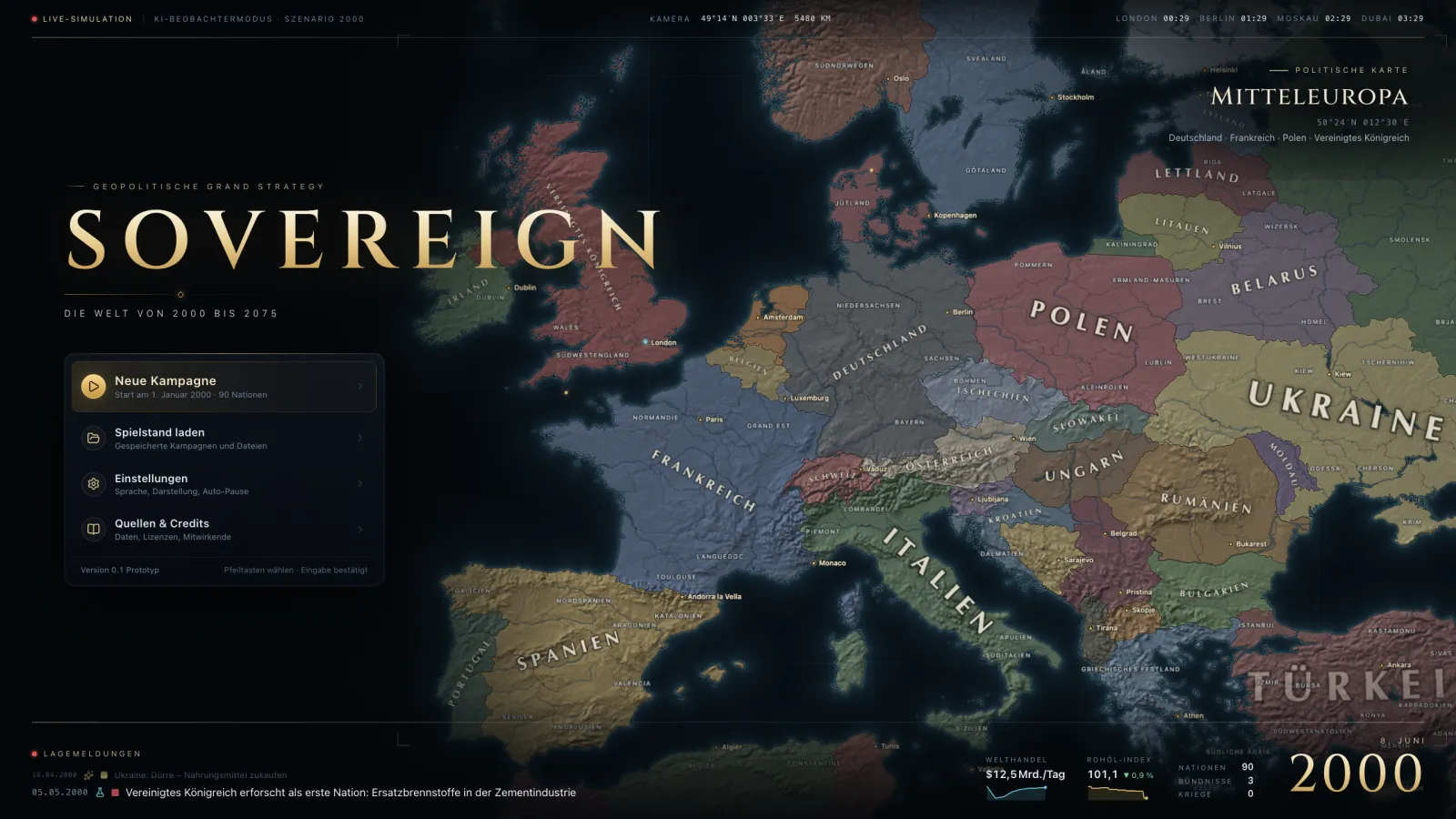
Play
SOVEREIGN runs right in the browser – no download, single player instantly and without an account. You only need an account for cloud saves and multiplayer.
How it works
Start
Click “Play now” – the single player loads in the browser and opens the nation selection.
Save
Saves are first stored locally in your browser. Export as a file is possible at any time.
Account (optional)
For cloud saves, friends and multiplayer you sign in with Steam, Discord, Google or email.
System requirements
Built for desktop and tablet with mouse or pen. The map renders with WebGL2, the simulation runs as WebAssembly in a web worker.
- Browser
- Current Chrome, Edge, Firefox or Safari (with WebGL2 and WebAssembly)
- Screen
- Desktop or tablet in landscape – minimum resolution to follow
- Memory
- Guideline values follow after performance measurements
- Graphics
- WebGL2-capable GPU (integrated graphics are enough)
- Input
- Mouse/trackpad and keyboard; tablet with pen in landscape
- Download
- none – game data is loaded on first start and cached
Preliminary information from the prototype: the technical prerequisites are fixed, hardware guidelines follow with performance measurements before Early Access.
Browser check
Your browser is checked right here – nothing is transmitted.
- WebGL2
- –
- WebAssembly
- –
- Module workers
- –
- IndexedDB (local saves)
- –
- Screen size
- –
On your phone?
SOVEREIGN is built for large screens. Have the link sent to you or add a reminder – and until then watch live or read the codex.
Steam
The Steam version shares campaigns, accounts and saves with the browser (crossplay). The store page will follow; wishlisting from then on.
soonGot an invitation?
Invite links to campaigns open the game directly. No account? No problem – the sign-in appears in the game when it is needed.