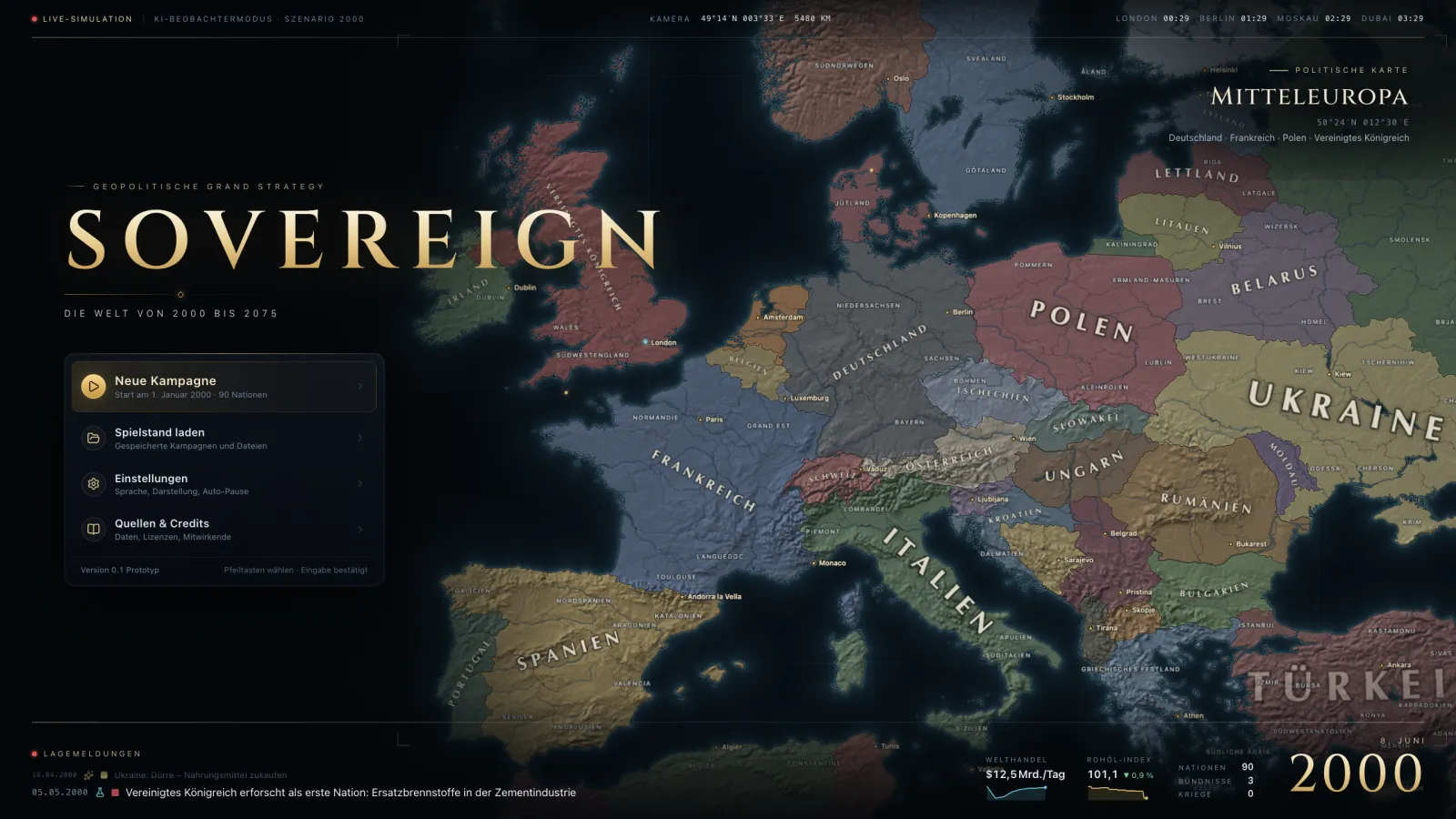
Version 0.2.0 Situation Room
A clearer picture on the map: larger, more readable unit counters, a new battle window and detailed tooltips for provinces, units and all key values. Terrain now works per troop class, with frontage and reserves. Plus a public changelog, an expanded Kodex and a player handbook.
Highlights
-
New · Military
Battle window
Hover over a battle icon for a preview, click to open the battle window: balance of forces, strength, organisation and losses of both sides, a terrain illustration, all modifiers such as terrain, river crossing, supply and air support, and the units involved. Naval battles show ship classes and battle phases. The window updates live and shows the outcome when the battle ends.
War & terrainWar & terrainHandbookBattles, supply, terrain effects per troop class and frontage – why tanks win on the plains and fail in the mountains. FrontageFrontageMechanicHow many troops fight at once: 12 units per side × terrain factor. Whatever does not fit stands in reserve – large armies fight longer in narrow terrain, but not harder. ReserveReserveMechanicTroops that do not fit on the front. They do not fire and lose no strength, but take 10% of the organisation losses – they relieve the front and prolong the battle.
-
New · Interface
Tooltips everywhere
Provinces show terrain and its effects, owner and occupier, region, supply, battles and troops. Units, sea zones, the top bar, map modes and many panel values explain themselves on hover – with a breakdown of how a value is made up. Hold Shift for details.
First stepsFirst stepsHandbookFrom starting a campaign to your first construction project: map, time, panels and tooltips. StabilityStabilityMechanicCohesion of state and society. Low stability lowers output and tax income and raises unrest. Terrain effectTerrain effectMechanicTerrain affects attack, defence and movement per troop class: tanks win on the plains and fail in the mountains, where light forces are strong. It also sets the frontage and the air effect.
-
New · Military
Terrain per troop class
Terrain now affects attack, defence and movement per troop class: tanks win on the plains and fail in the mountains, light forces and infantry are strong in forests, mountains and cities. Frontage depends on the terrain – whatever does not fit on the front stands in reserve. Air support also varies in strength with the terrain.
Terrain effectTerrain effectMechanicTerrain affects attack, defence and movement per troop class: tanks win on the plains and fail in the mountains, where light forces are strong. It also sets the frontage and the air effect. FrontageFrontageMechanicHow many troops fight at once: 12 units per side × terrain factor. Whatever does not fit stands in reserve – large armies fight longer in narrow terrain, but not harder. ReserveReserveMechanicTroops that do not fit on the front. They do not fire and lose no strength, but take 10% of the organisation losses – they relieve the front and prolong the battle. War & terrainWar & terrainHandbookBattles, supply, terrain effects per troop class and frontage – why tanks win on the plains and fail in the mountains.
New
-
Military
Battle window. Hover over a battle icon for a preview, click to open the battle window: balance of forces, strength, organisation and losses of both sides, a terrain illustration, all modifiers such as terrain, river crossing, supply and air support, and the units involved. Naval battles show ship classes and battle phases. The window updates live and shows the outcome when the battle ends.
In the Codex:War & terrainWar & terrainHandbookBattles, supply, terrain effects per troop class and frontage – why tanks win on the plains and fail in the mountains. FrontageFrontageMechanicHow many troops fight at once: 12 units per side × terrain factor. Whatever does not fit stands in reserve – large armies fight longer in narrow terrain, but not harder. ReserveReserveMechanicTroops that do not fit on the front. They do not fire and lose no strength, but take 10% of the organisation losses – they relieve the front and prolong the battle.
-
Interface
Tooltips everywhere. Provinces show terrain and its effects, owner and occupier, region, supply, battles and troops. Units, sea zones, the top bar, map modes and many panel values explain themselves on hover – with a breakdown of how a value is made up. Hold Shift for details.
In the Codex:First stepsFirst stepsHandbookFrom starting a campaign to your first construction project: map, time, panels and tooltips. StabilityStabilityMechanicCohesion of state and society. Low stability lowers output and tax income and raises unrest. Terrain effectTerrain effectMechanicTerrain affects attack, defence and movement per troop class: tanks win on the plains and fail in the mountains, where light forces are strong. It also sets the frontage and the air effect.
-
Military
Terrain per troop class. Terrain now affects attack, defence and movement per troop class: tanks win on the plains and fail in the mountains, light forces and infantry are strong in forests, mountains and cities. Frontage depends on the terrain – whatever does not fit on the front stands in reserve. Air support also varies in strength with the terrain.
In the Codex:Terrain effectTerrain effectMechanicTerrain affects attack, defence and movement per troop class: tanks win on the plains and fail in the mountains, where light forces are strong. It also sets the frontage and the air effect. FrontageFrontageMechanicHow many troops fight at once: 12 units per side × terrain factor. Whatever does not fit stands in reserve – large armies fight longer in narrow terrain, but not harder. ReserveReserveMechanicTroops that do not fit on the front. They do not fire and lose no strength, but take 10% of the organisation losses – they relieve the front and prolong the battle. War & terrainWar & terrainHandbookBattles, supply, terrain effects per troop class and frontage – why tanks win on the plains and fail in the mountains.
-
Website
Kodex and handbook. The Kodex on the website now shows the research tree interactively and all units, terrain, buildings, goods and mechanics with their values – the same texts and numbers as the tooltips in the game. New is the player handbook, on the website and in the game under help.
In the Codex:First stepsFirst stepsHandbookFrom starting a campaign to your first construction project: map, time, panels and tooltips. ResearchResearchHandbookThe research tree as a timeline: branches, costs, researching ahead and the speculative future.
-
Website
Public changelog on the website with filters and a feed, in the game under “News” and shown once automatically after an update.
In the Codex:First stepsFirst stepsHandbookFrom starting a campaign to your first construction project: map, time, panels and tooltips.
Improved
-
Map
Unit counters are noticeably larger and easier to read; grouped counters show their composition on hover. New setting “Unit marker size” (90–130 %).
-
Multiplayer
Multiplayer: free and abandoned nations are played by the AI, marked “AI”. Public campaigns and quick matches start with only a few players. Seats can be released in the game and campaigns archived; inactive seats are freed after a grace period.
In the Codex:MultiplayerMultiplayerHandbookCampaigns with others: finding, joining, agreeing on the speed – and what happens while you are offline.
Fixed
-
Performance
Fixed a short stutter on the first input after starting the game.
-
Multiplayer
After a server restart the AI stand-in reliably takes over for absent players again.
-
Account
Signing in from the game no longer fails when it is completed in another tab or window, for example after the first sign-in via Steam.