Account and getting started
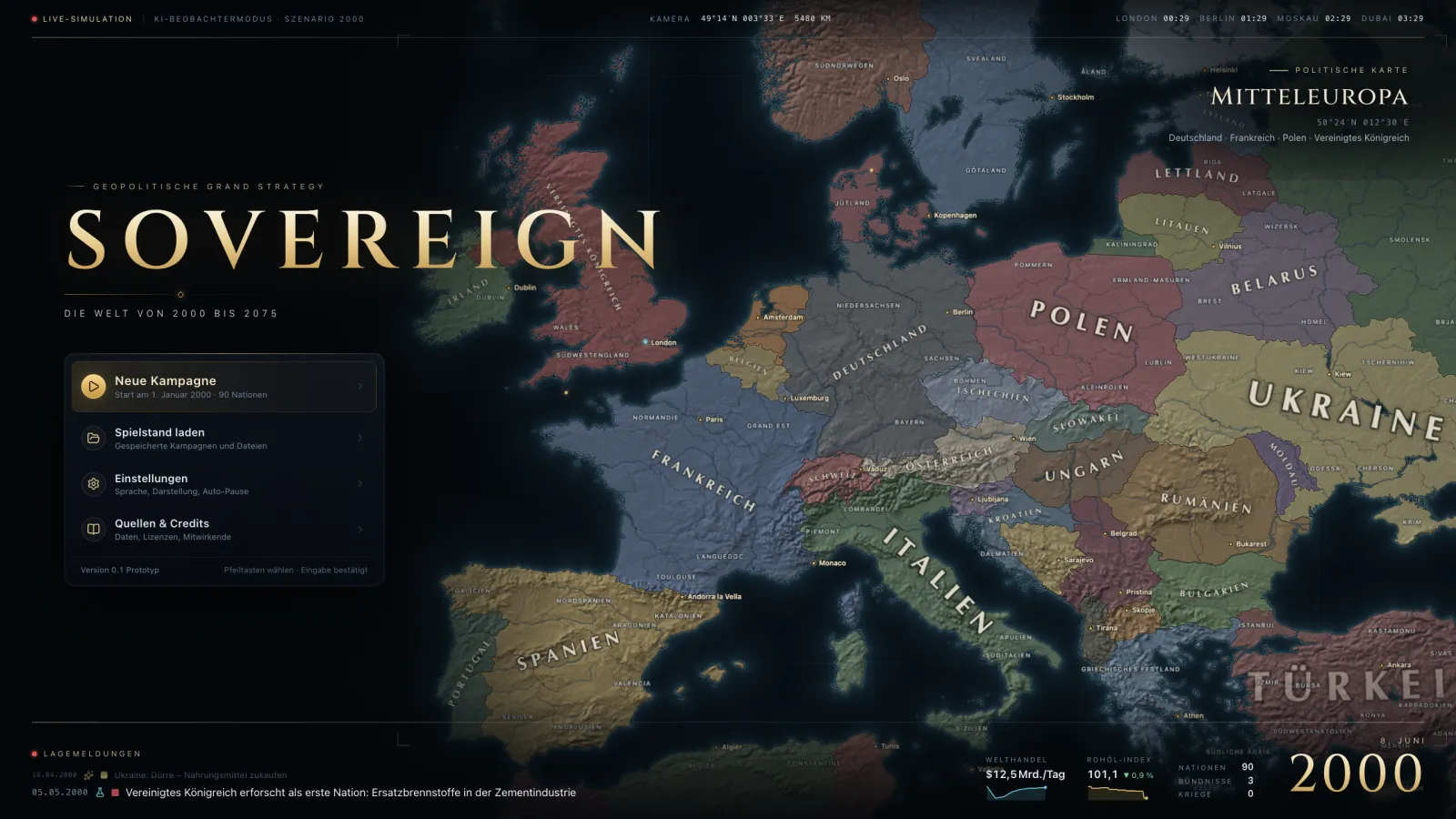
Multiplayer needs a SOVEREIGN account; the sign-in appears in the game as soon as you pick an online feature. In the main menu you find running campaigns in the server browser, create a campaign of your own or invite friends by link or code.
Lobby and start
In the lobby every player claims a nation by clicking the map. The host sets rules and schedule and starts the campaign. Nations without a player are run by the AI.
In the game
Speed and pause are agreed on: the campaign runs at most as fast as the rules and the players' wishes allow. The chat has channels for everyone, for alliances and private messages.
Absence and return
While you are offline, the AI stands in for you in holding mode: no declarations of war, no large projects, crises only de-escalated. When you return, a summary shows what happened in the meantime. Idle campaigns are saved and resumed at the next session.
Versions
Campaigns are tied to the game data of the version they were created with. After an update with changed content, a campaign appears in the server browser as "old version"; players with a seat can keep playing as long as the save still fits. What changed is in the changelog.