Starting a campaign
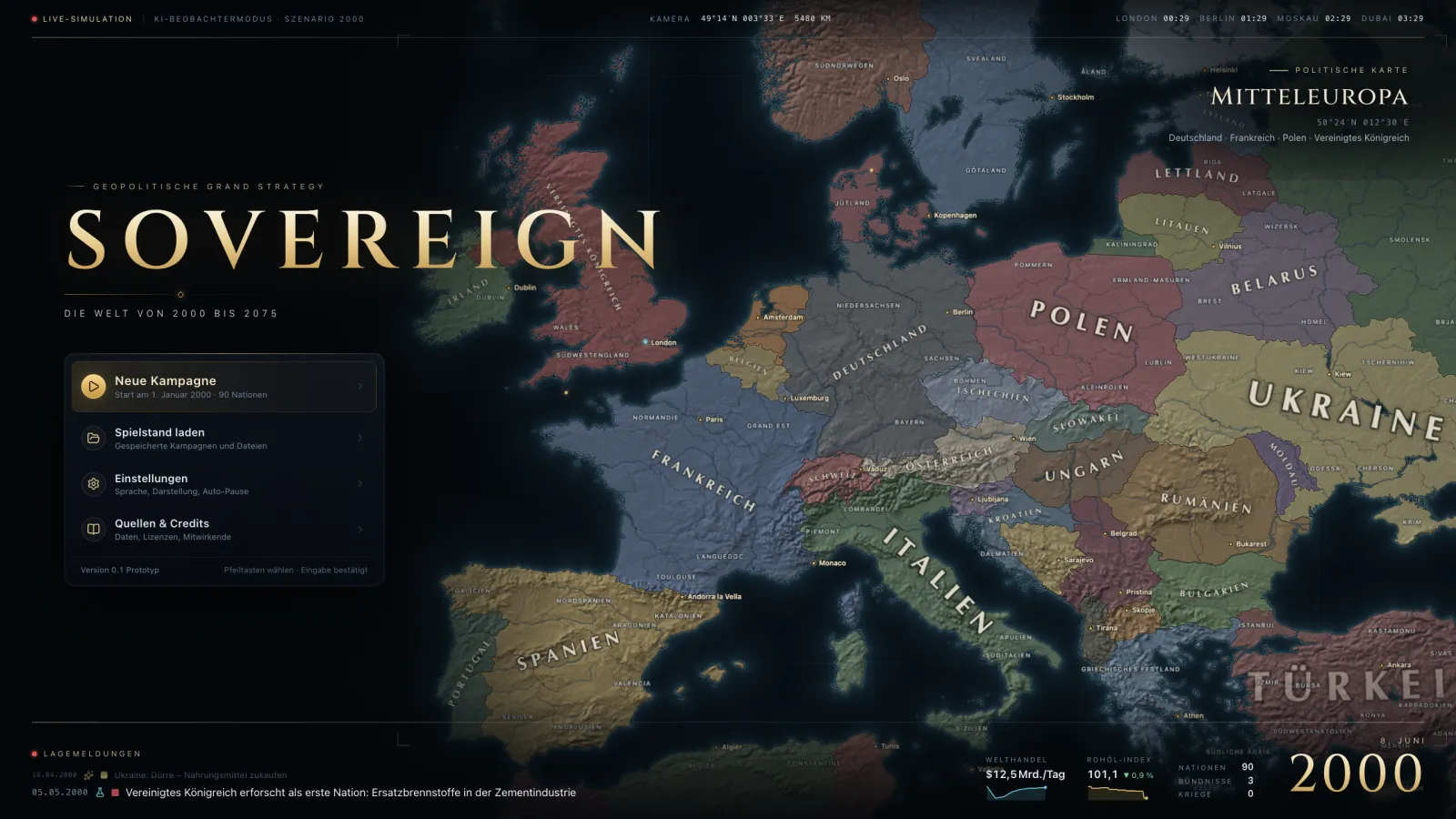
Under New campaign you pick map and scenario, then your nation – one click on a country is enough. The game starts paused. If you are new, the guided tutorial in the main menu is the best start.
Controlling time
Space pauses and resumes, keys 1–5 set the speed. Important events pause the game so you can decide.
Map and map modes
Drag the map with the mouse and zoom with the wheel. At the bottom you switch the map mode, for example PoliticalPoliticalMap modeTerritories by owner; hatched provinces are occupied., TerrainTerrainMap modeTerrain types. Terrain sets movement time, defence bonus, attrition, frontage and the combat power of every troop class., TradeTradeMap modeTrade flows by group of goods and chokepoints on the routes. or SupplySupplyMap modeSupply network of your troops: supply fulfilment, cut-off areas dark.. Every button explains in its tooltip what the mode shows.
Panels
The navigation bar opens the areas: overview (F1), economy (F2), market (F3), construction (F4), research tree (F5), military (F6), diplomacy (F7), ranking (F8), research (F9), crises (K). Ctrl/⌘ + K searches nations, regions and provinces.
Reading tooltips
Almost every number has a tooltip that explains where it comes from. Underlined terms such as StabilityStabilityMechanicCohesion of state and society. Low stability lowers output and tax income and raises unrest. open a nested tooltip of their own. Shift shows more details in many tooltips. The same texts and values are in the Kodex on the website.